Laptop or iPad.,
Stylus tablet
Good Internet connection
Step 1: Set Up Your Canvas
Open DIYvinci Designette and create a square canvas. Choose a dark green or dark brown background to create a rich forest feel.
Step 2: Build Your Forest
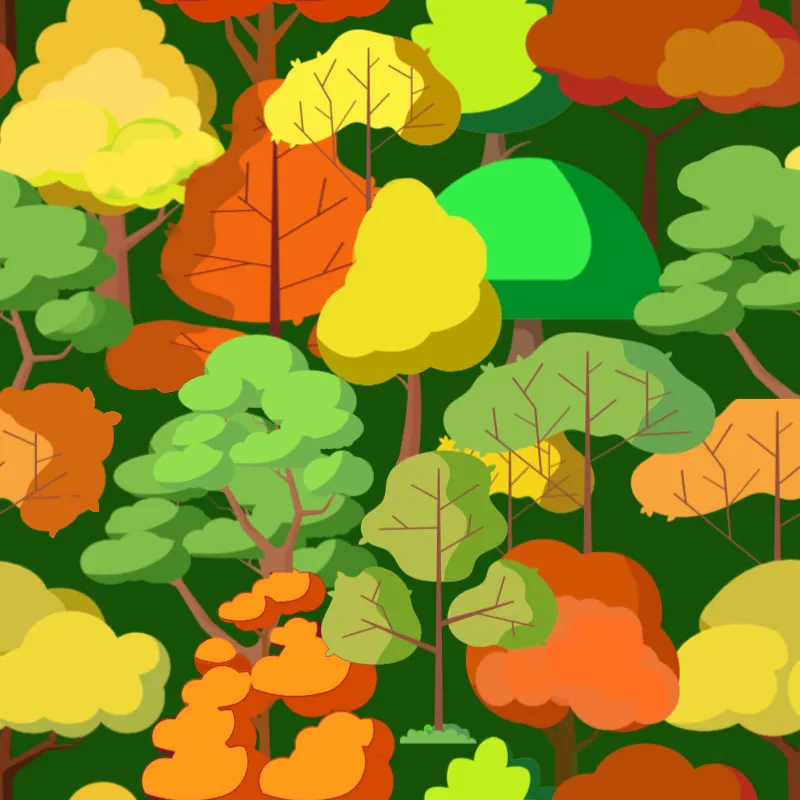
Open the Elements panel from the toolbar and select a variety of tree elements. Change their colors as desired and arrange them across the canvas. Ensure that every tree remains fully visible within the canvas boundaries, no part of any tree should extend beyond the edges. Fill the entire canvas with trees.
Step 3: Download Your Design
Once your forest composition is complete, download the image.
Step 4: Create a New Canvas
Open a new canvas of the same size and apply the same background color.
Step 5: Create the Vertical Seamless Repeat
Upload the forest image you just downloaded and resize it to fit the canvas exactly. Duplicate the image and position the copies so that half of one image extends beyond the top edge while the remaining half appears from the bottom edge. This creates a seamless vertical connection.
Step 6: Fill the Empty Space
You will notice an empty area in the center. Fill this space with additional tree elements, matching the existing design. Download the completed image.
Step 7: Create the Horizontal Seamless Repeat
Open another new canvas and upload the image from Step 6. This time, create the seamless repeat horizontally by moving half of the design beyond the left edge and placing the remaining half on the right edge.
Step 8: Complete the Pattern Tile
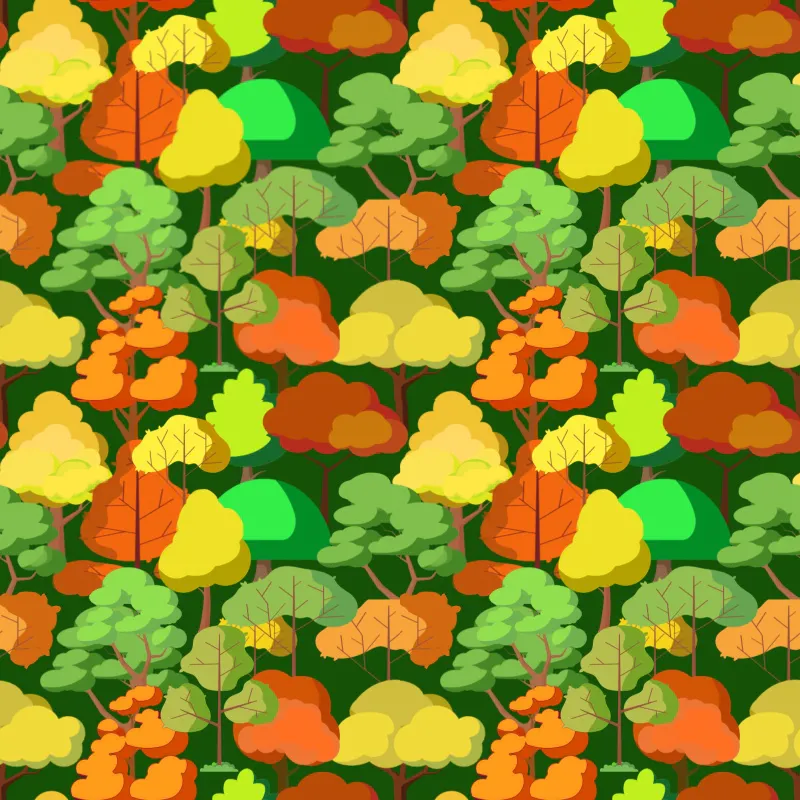
Fill any empty spaces in the center with more trees until the design looks natural and balanced. Your seamless pattern tile is now complete. Download the finished pattern tile.
Step 9: Test the Pattern
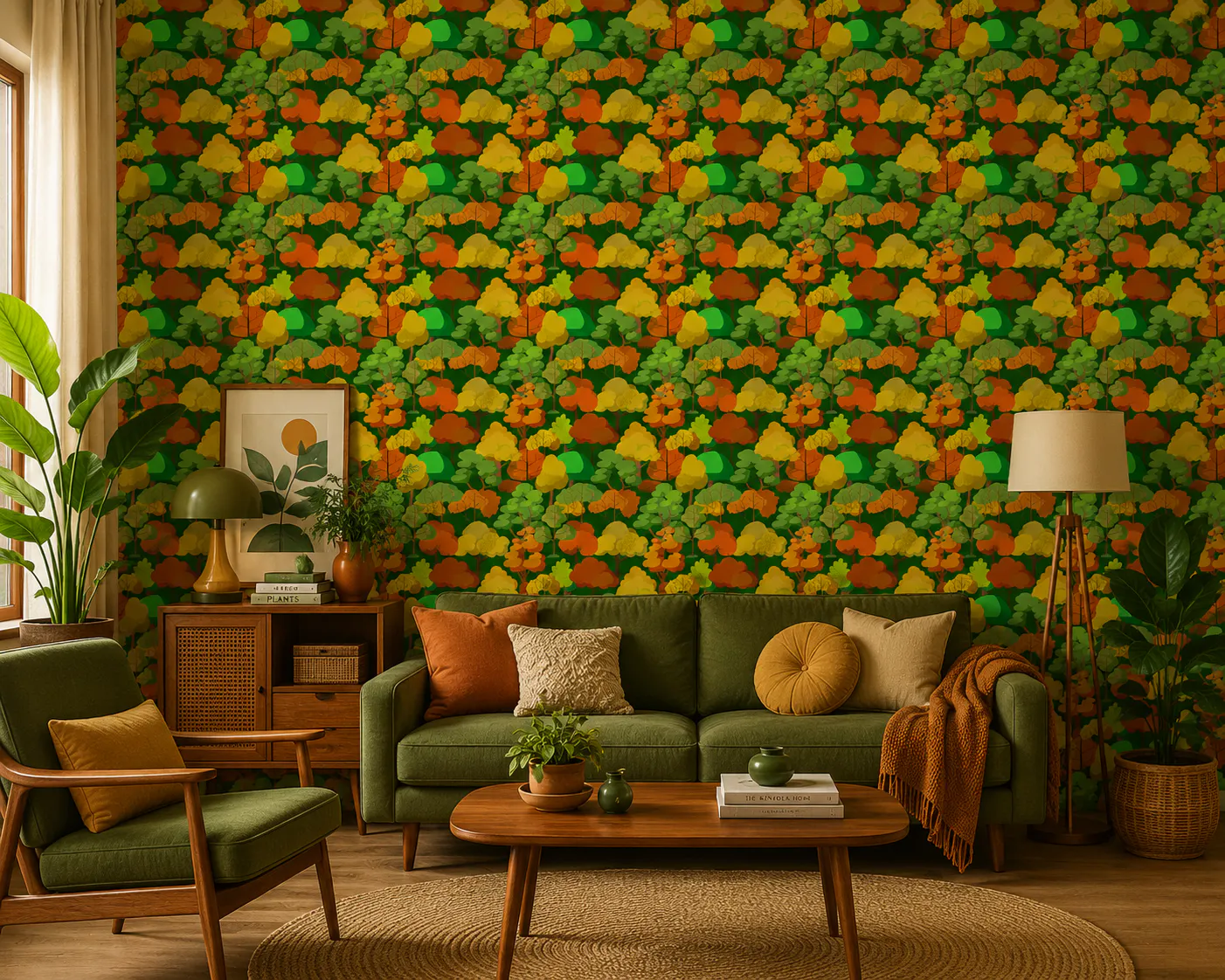
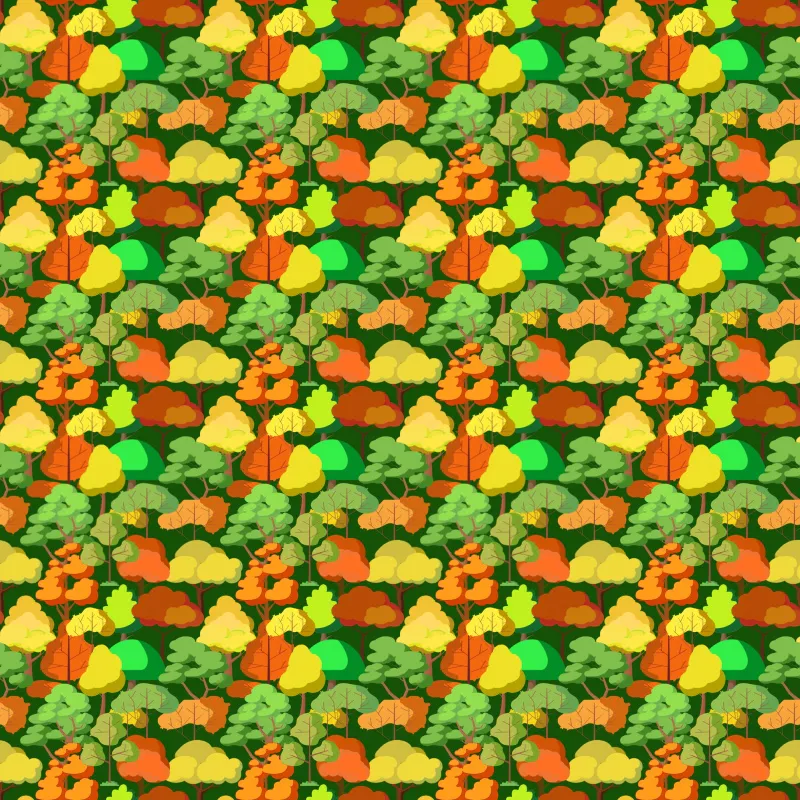
Open a new canvas and duplicate the completed pattern tile multiple times. Arrange the copies side by side to see the seamless forest pattern repeat across the page. Your pattern paper is now ready to use for wallpapers, fabrics, stationery, packaging, and more.